
Merge and split
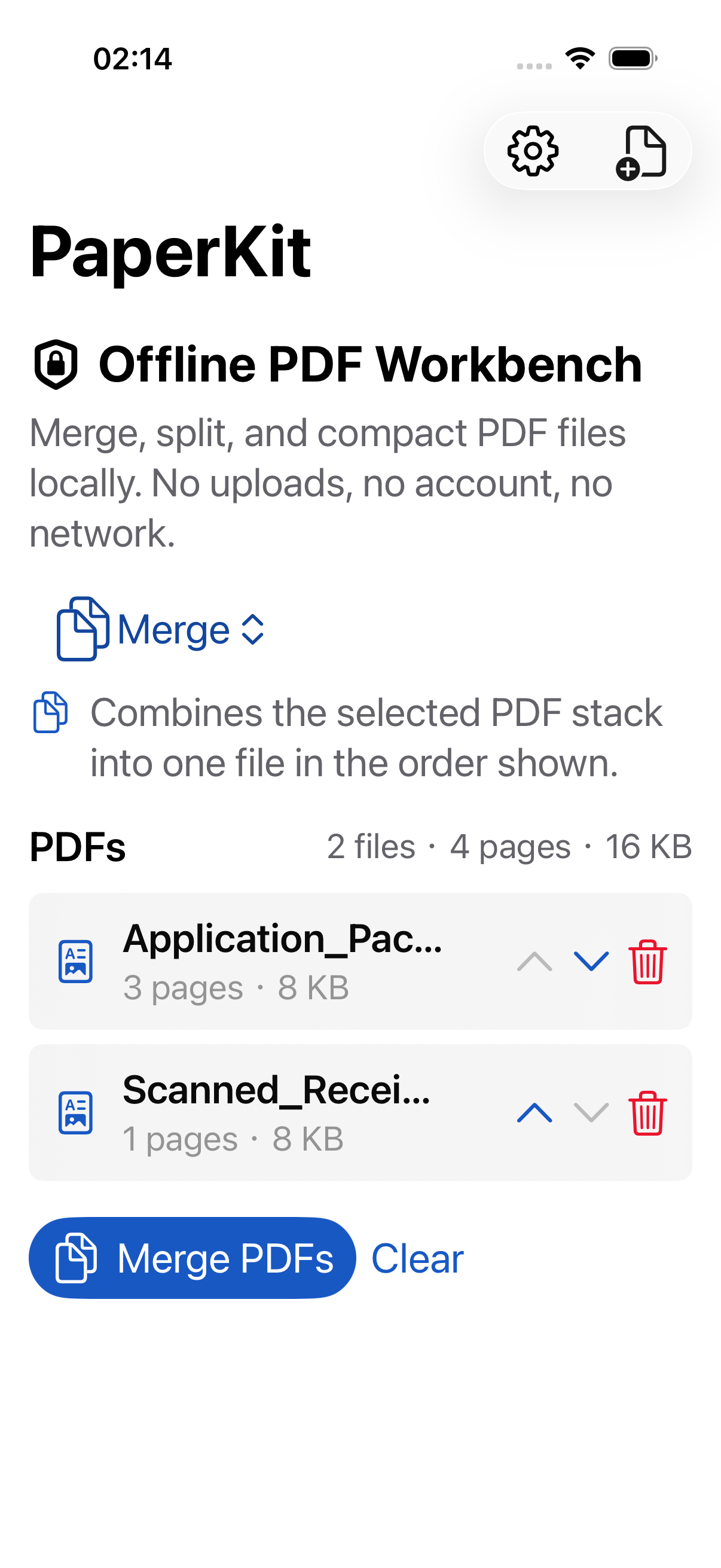
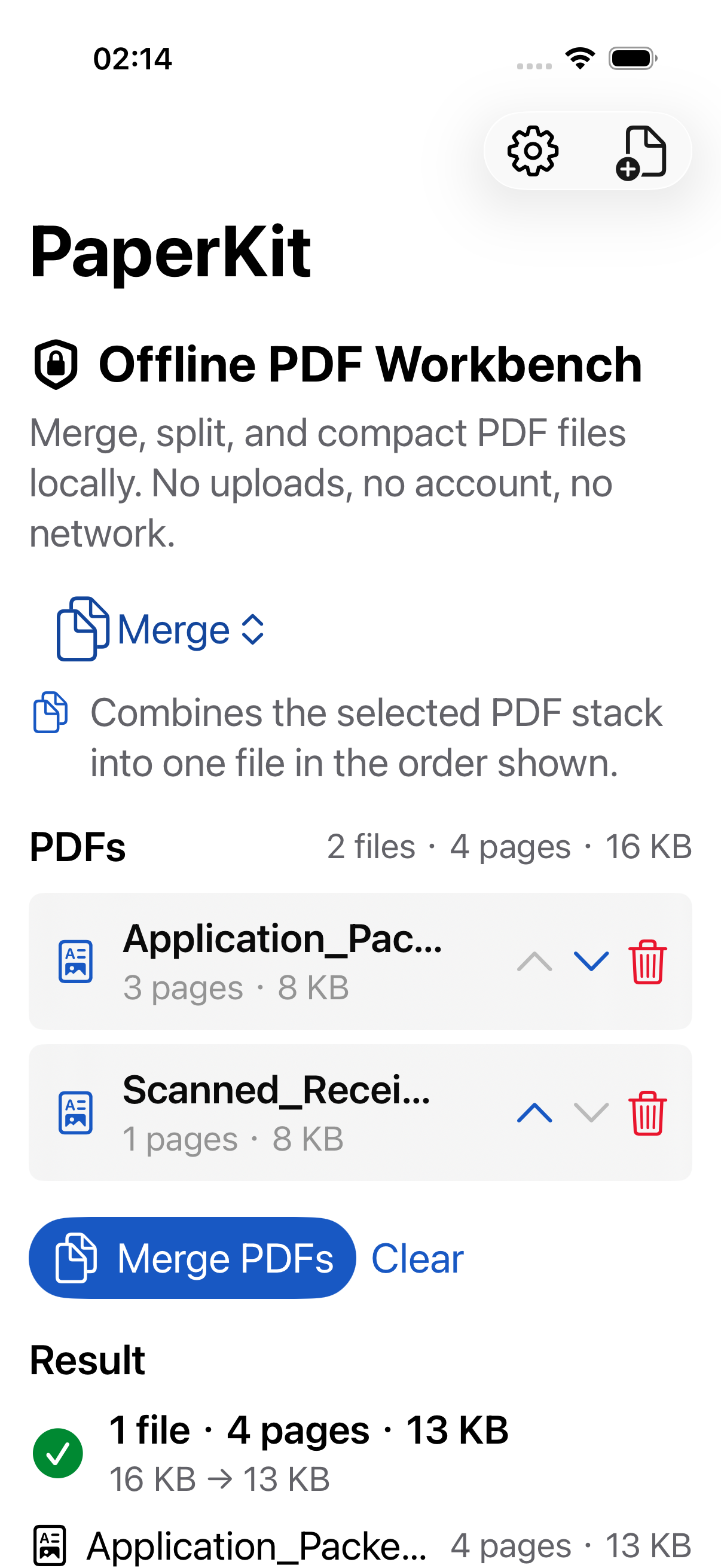
Combine several PDFs into one document, or split one PDF into single-page files.
iOS, iPadOS, and macOS App
Merge, split, compress, OCR, and redact PDFs locally. PaperKit is a focused offline PDF utility for everyday document cleanup, with no account, no uploads, no ads, and no tracking.
Coming soon on the App Store.
Features
Designed around focused document actions before sharing, filing, or submitting PDFs.
Combine several PDFs into one document, or split one PDF into single-page files.
Use Compact for image-heavy PDFs, or Optimize to reduce file metadata while preserving selectable text.
Add an invisible text layer to scanned pages so exported PDFs can be searched and selected.
Detect and cover common sensitive patterns such as email addresses, phone numbers, SSNs, and likely card numbers.
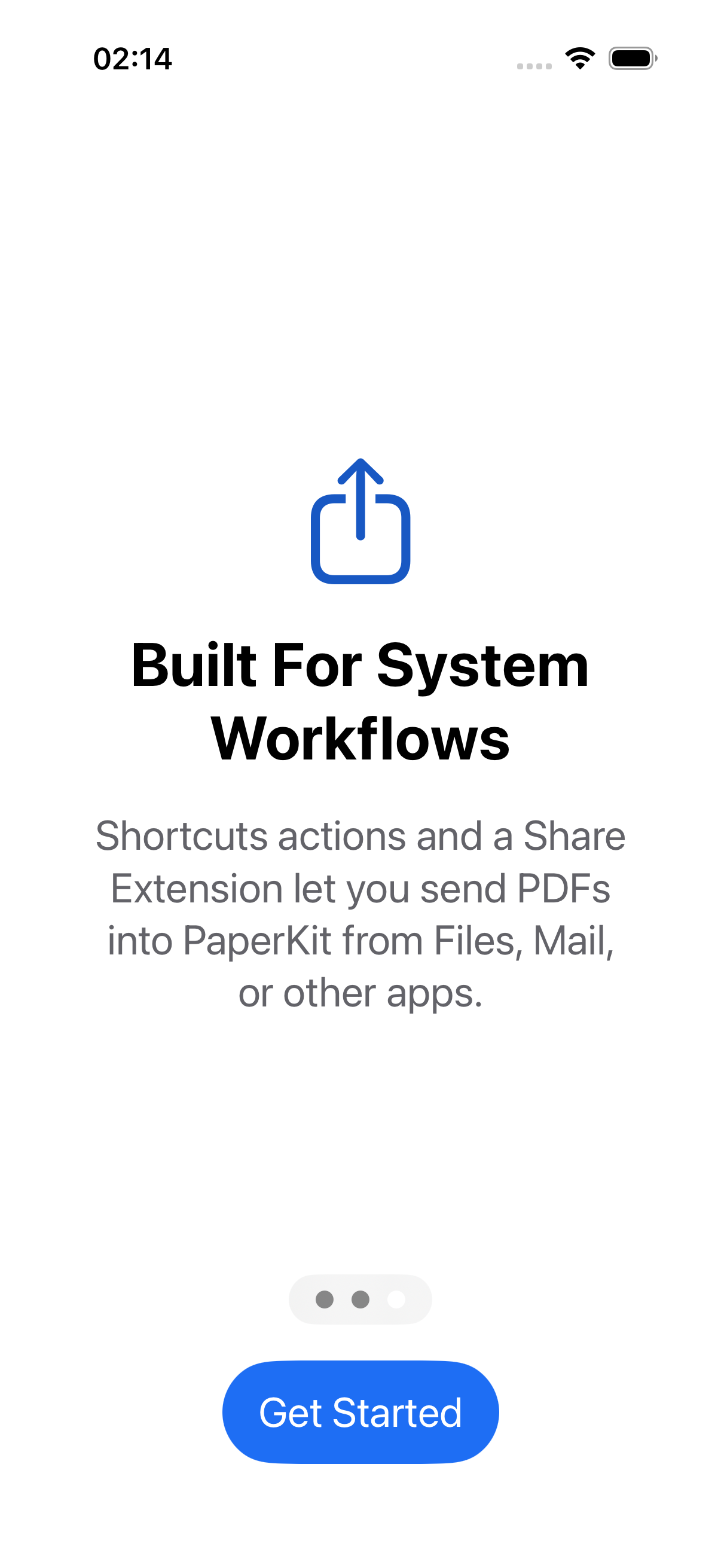
Run Merge, Compact, Optimize, OCR, and Redact from Shortcuts and Siri workflows.
Start compact, optimize, and redaction jobs directly from selected PDF files in Finder.
Screens
Pricing
Try PaperKit with up to 2 PDFs and 25 pages. A one-time purchase unlocks unlimited local processing on iPhone, iPad, and Mac for the same Apple Account. There are no subscriptions, ads, or accounts.
Privacy
Your PDFs are processed on your device. PaperKit does not upload documents to developer servers and does not include analytics SDKs, ad SDKs, or cross-app tracking.
OCR and redaction are assistive tools. Always review exported PDFs before using them for important submissions.