
Cost per day
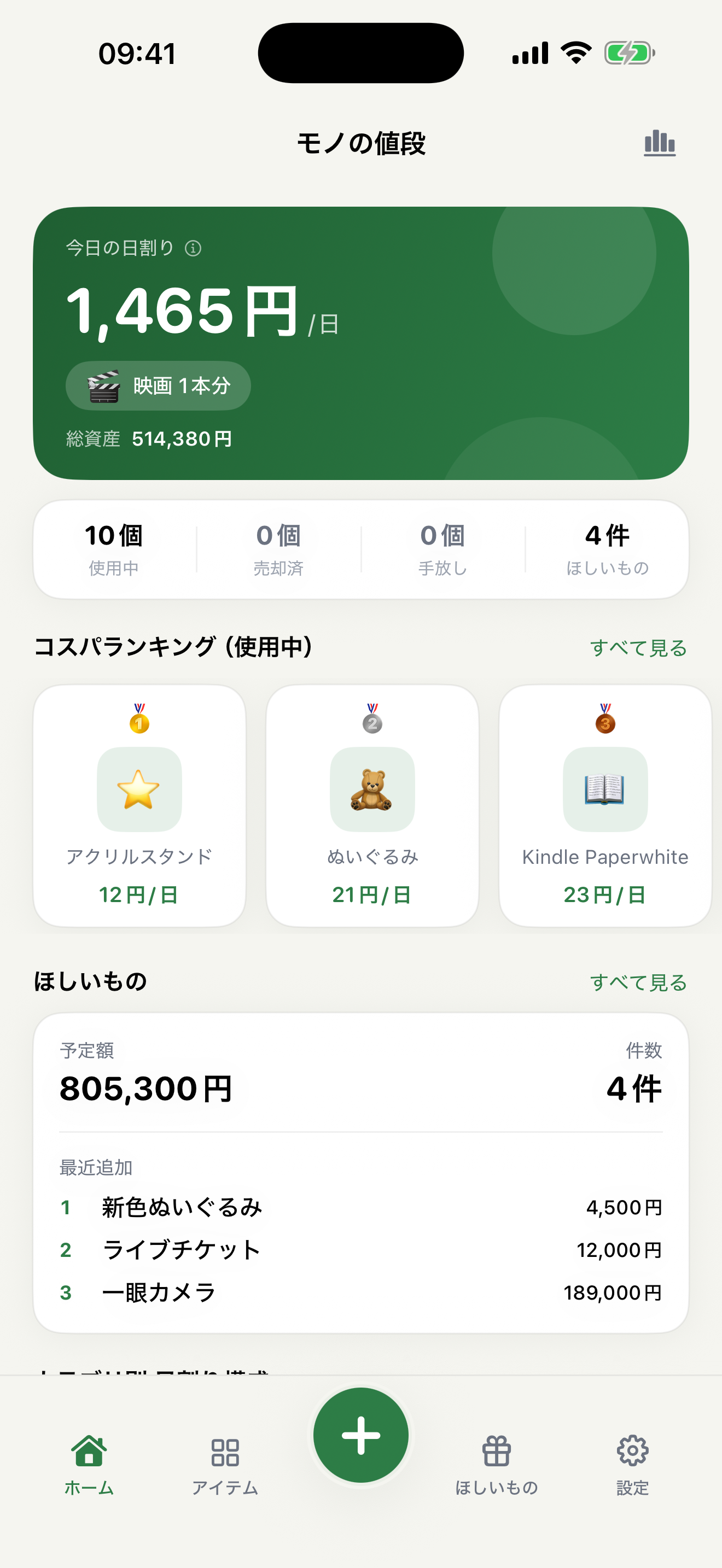
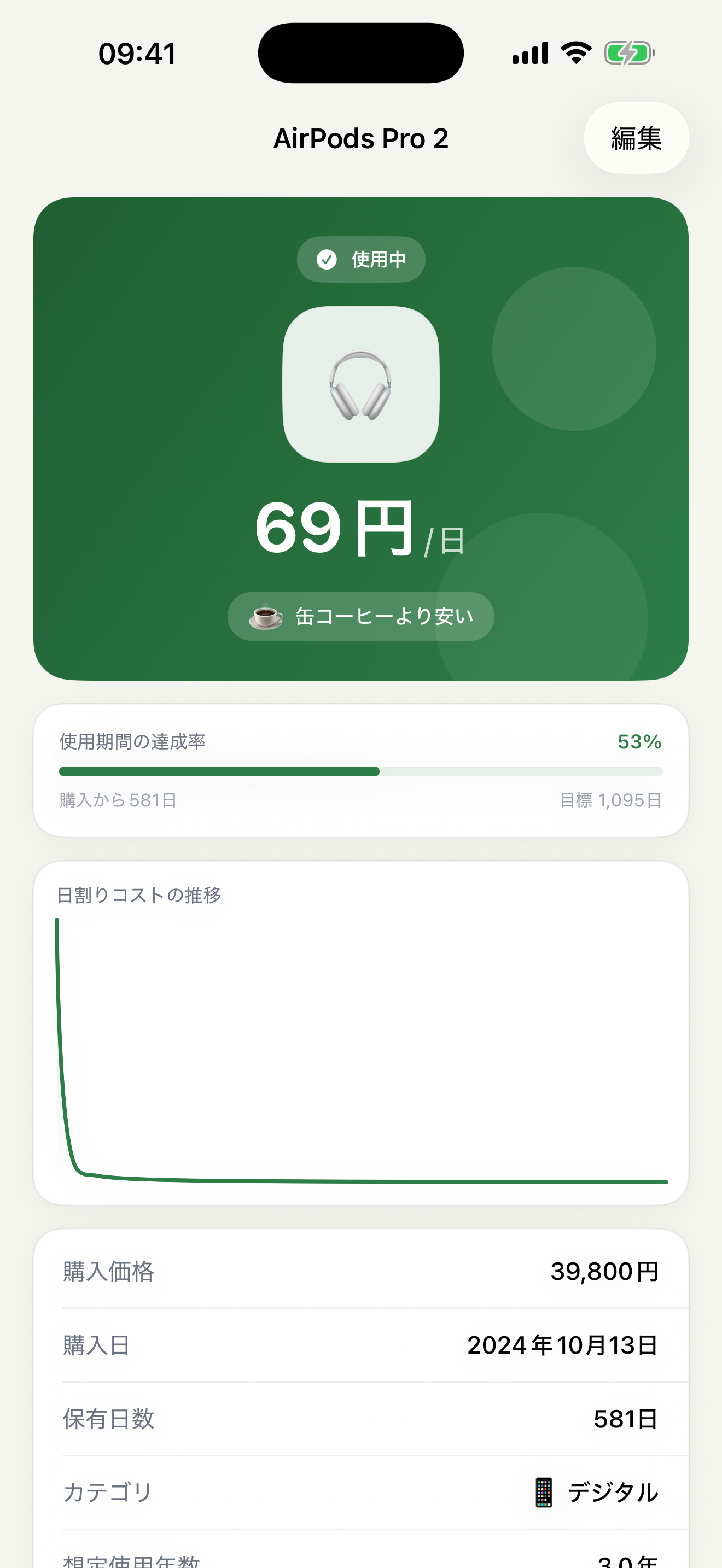
From the purchase price and date, the app works out the daily cost up to today — so you can see what each item really costs you per day, at a glance.
iOS App
That expensive purchase — what does it actually cost per day once you use it? Mono no Nedan turns the price and use of your belongings into a clear cost per day, so the real value of the things you own is easy to see.
Features
The sticker price is only the beginning. Mono no Nedan quietly tracks the cost per day, which keeps changing the more you use something.
From the purchase price and date, the app works out the daily cost up to today — so you can see what each item really costs you per day, at a glance.
The daily amount is shown next to everyday things, turning numbers that are hard to picture into a feeling you can grasp.
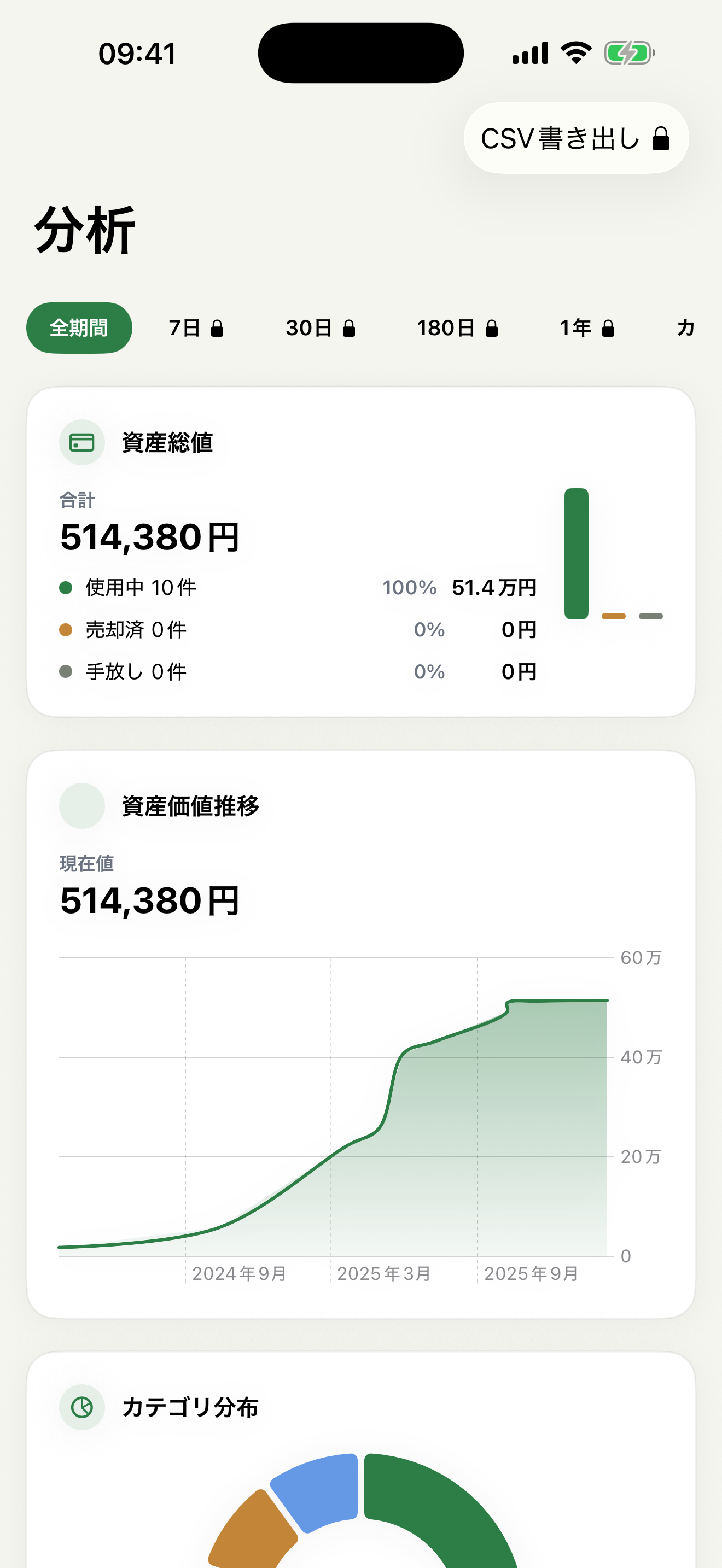
Total owned assets, how many items are in use, and the average cost per day — all in one place, for a bird's-eye view of what your things are worth.
Look back on how the value of your belongings shifts over time, and notice the patterns in how you buy.
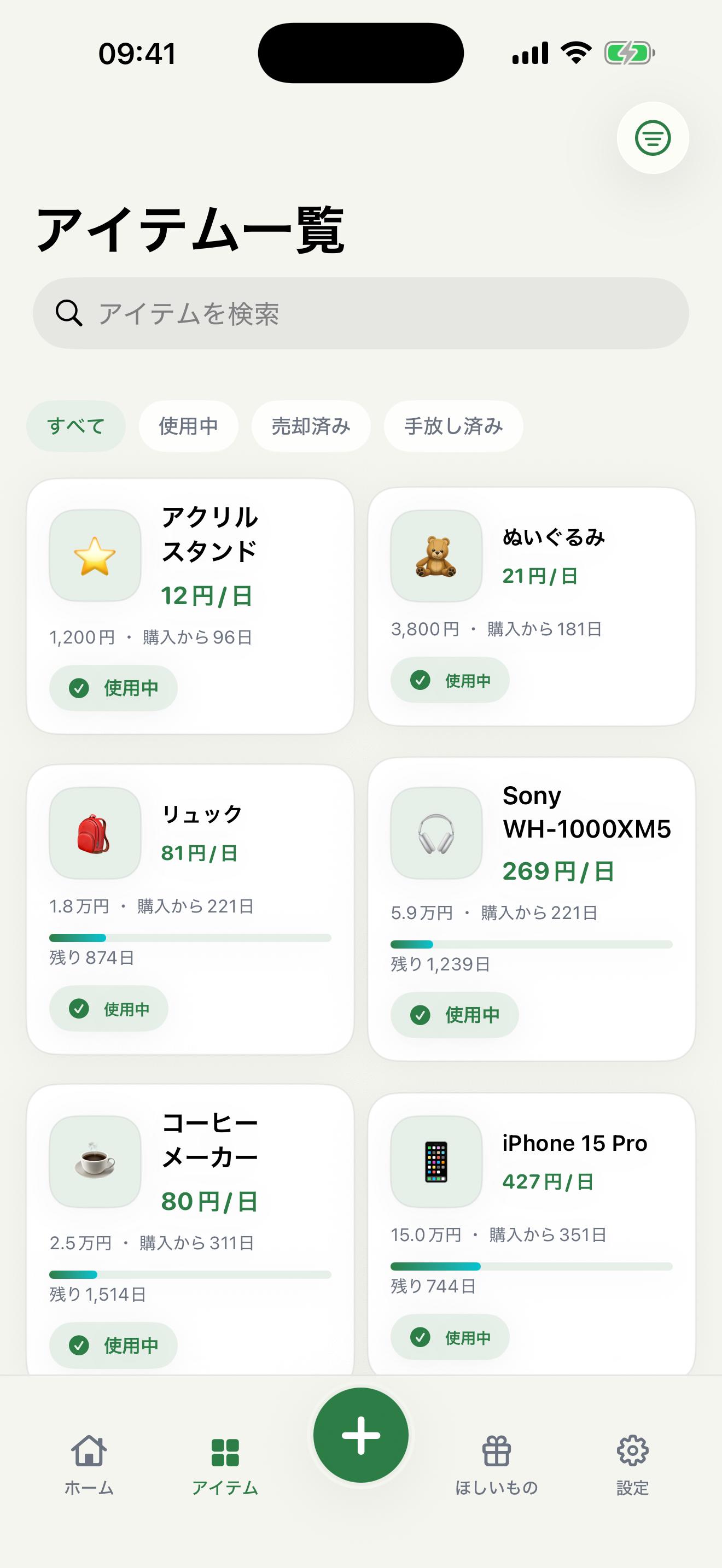
Keep things tidy with names, categories, tags, photos, and notes. Track in-use or sold status, plus the sale price when you let something go.
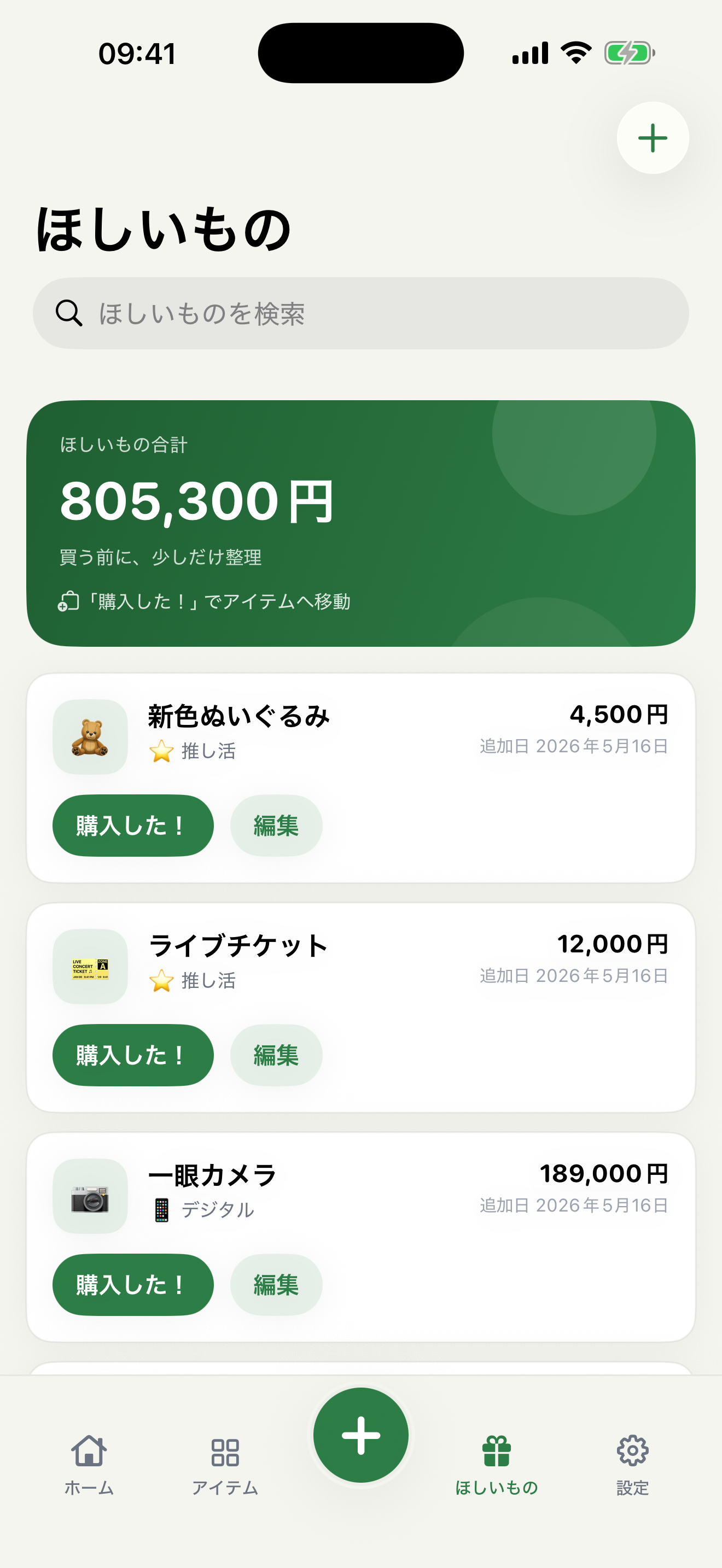
Add what you're eyeing to your wishlist, and picture the cost per day before you decide to buy.
Your records are stored on device. When needed, you can create a JSON backup in your own iCloud Drive and restore it on another device. Records are not automatically shared across devices.
Lock the app with Face ID, Touch ID, or your passcode, keeping your records to yourself.
Screens
Pricing
Mono no Nedan is free to download, and the core features are yours to use right away.
"Pro" unlocks every feature. It's available as an auto-renewing monthly or yearly subscription, or as a one-time lifetime license you buy once and keep. A free trial is available for new users.
The contents, duration, and price of each plan — and whether a free trial applies — follow the in-app purchase screen and the App Store listing. Subscriptions can be managed or canceled anytime from Settings > Apple Account > Subscriptions on your device.
FAQ
Mono no Nedan calculates the cost per day of belongings from purchase price and time owned, then helps track owned items, sold items, wishlist decisions, and asset-value history.
Budget apps manage overall spending. Mono no Nedan focuses on individual belongings and shows how the real cost changes the longer you use each item.
It does not automatically share records across devices. Data is stored on the device, with JSON backup and restore through iCloud Drive.
Privacy
No account sign-up is required. The items, photos, and settings you add are stored on your device. If you choose backup, a JSON backup file is saved to your own iCloud Drive space. The operator does not gather your data on its own servers.
There are no ads, no third-party analytics SDKs, and no cross-app tracking. Face ID and Touch ID are used only to control the app lock — the biometric data itself is never collected or stored.